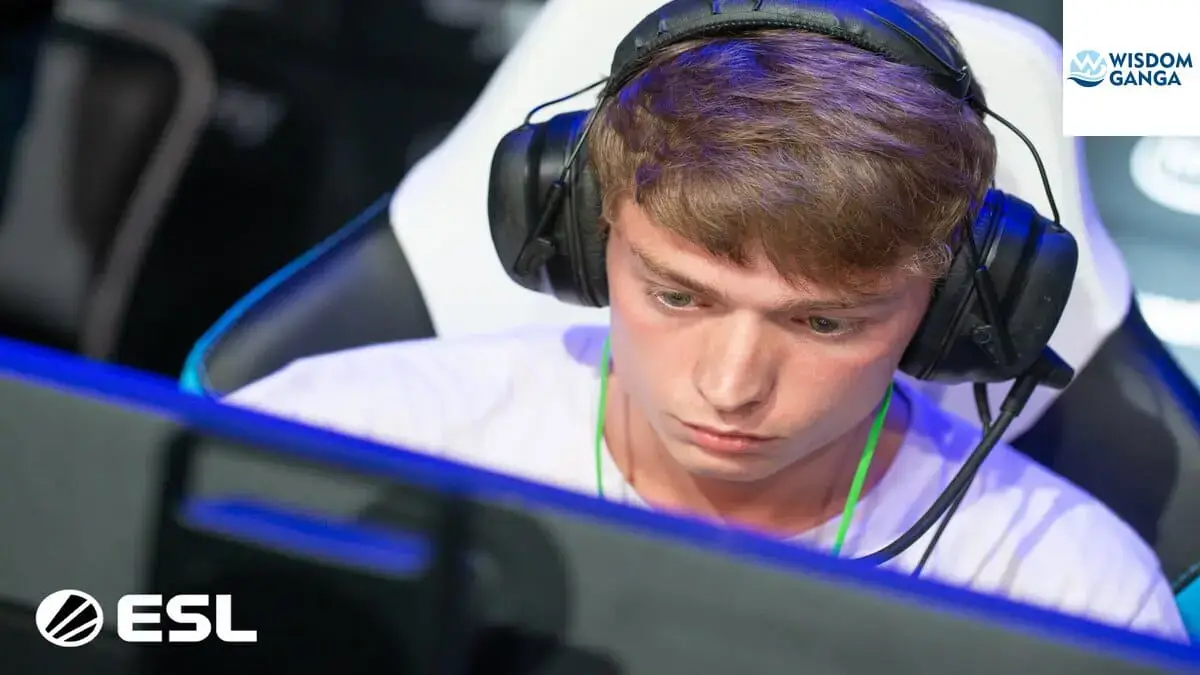
Brax Valorant Settings – Latest Crosshair, Sensitivity & Config 2023
Are you looking for Brax valorant settings ? Look no further, as our approved settings guide will optimise your performance and help you dominate the competition. “From brax sensitivity to brax crosshair to brax keybinds, we’ll cover it all in this comprehensive guide.” Also Checkout Other valorant settings:
Brax Personal Information
- Name: Braxton Pierce
- Country: United States
- Born: September 20, 1996
- Team: T1
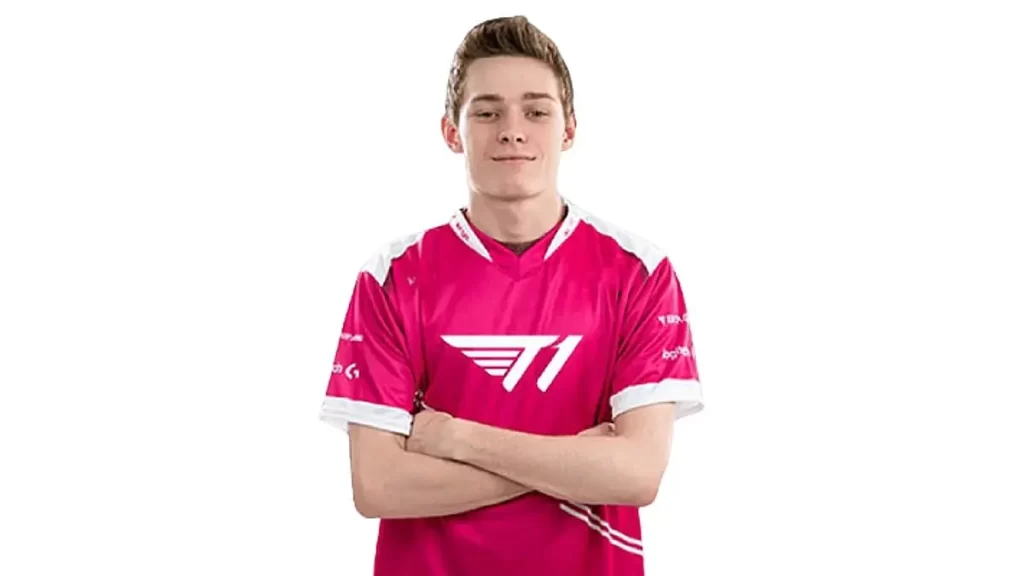
Brax Valorant Settings
These are all the Brax valorant settings from brax crosshair, brax sens, brax keybind and brax wiki and some frequently asked questions related to brax.
Brax Crosshair
- Color – Green
- Crosshair color – #00FF00
- Outlines – Off
- Center Dot – Off
- Show Inner Lines – On
- Inner Line Opacity – 1
- Inner Line Length – 4
- Inner Line Thickness – 2
- Inner Line Offset – 3
- Movement Error – Off
- Firing Error – Off
- Show Outer Lines – Off
- Movement Error – Off
- Firing Error – Off
Brax Crosshair Code – 0;P;c;1;h;0;m;1;0a;1.000;0l;4;0f;0;1b;0;1m;0;1f;0
Brax Sensitivity
- DPI – 400
- Sensitivity – 0.55
- eDPI – 220
- Zoom Sensitivity – 1
- Hz – 1000
- Windows Sensitivity – 6
- Raw Input Buffer – Off
Brax Keybinds
- Walk – L-Shift
- Crouch – L-Ctrl
- Jump – Space Bar
- Use Object – F
- Equip Primary Weapon – 1
- Equip Secondary Weapon – 2
- Equip Melee Weapon – 3
- Equip Spike – 4
- Use/Equip Ability: 1 – E
- Use/Equip Ability: 2 – Q
- Use/Equip Ability: 3 – C
- Use/Equip Ability: Ultimate – X
Brax Map
- Rotate – Rotate
- Fixed Orientation – Based On Side
- Keep Player Centered – Off
- Minimap Size – 1.1
- Minimap Zoom – 0.854
- Minimap Vision Cones – On
- Show Map Region Names – Always
Brax Video Settings
- Resolution – 1920×1080
- Aspect Ratio – 16:9
- Aspect Ratio Method – Fill
- Display Mode – Fullscreen
- Multithreaded Rendering – On
- Material Quality – Low
- Texture Quality – Low
- Detail Quality – Low
- UI Quality – Low
- Vignette – On
- VSync – Off
- Anti-Aliasing – None
- Anisotropic Filtering – 2x
- Improve Clarity – On
- Experimental Sharpening – Off
- Bloom – Off
- Distortion – Off
- Cast Shadows – On
- Enemy Highlight Color – Red
Brax Equipment
- Monitor – ZOWIE XL2546S
- Mouse – Logitech G Pro X Superlight
- Keyboard – Logitech G Pro X Keyboard
- Headset – Sennheiser HD 600
- Mousepad – SteelSeries QcK Heavy
Brax Wiki
Braxton “brax” Pierce (previously known as “swag”) (born September 20, 1996) is an American gamer and T1 streamer. He is a former professional Counter-Strike: Global Offensive player best known for his time in compLexity Gaming and iBUYPOWER.
He was highly regarded as one of America’s brightest promising prospects before becoming one of seven people permanently barred from Valve tournaments for their involvement in the North American match cheating controversy.
On February 28, 2020, brax announced his retirement from Counter-Strike: Global Offensive, after a Twitter post in which he declared his intention to continue his professional gaming career in Riot Games’ forthcoming tactical shooter VALORANT.
On March 9, 2020, he was signed to T1 as a professional VALORANT player and CS:GO content creator.
FAQ
What is Brax doing now?
Brax is currently a full-time streamer after retiring from professional valorant.
How old is Brax?
Brax is currently 26 years old.
What mouse does Brax use?
Brax is using a Logitech G Pro X Superlight.
Where does Brax stream?
Brax streams live on twitch.
Is Brax still pro in VALORANT?
Brax is a retired valorant player and is currently a full-time streamer.
Brax Valorant settings Conclusion
In conclusion, Brax valorant settings is a crucial aspect of his gameplay. By adjusting his sensitivity, DPI, and other settings, players can improve their aim and movement, allowing them to outplay their opponents and dominate the battlefield.
It is important to experiment with different settings so checkout our valorant settings page other than Brax Valorant settings to find what works best for you, but it’s also important to remember that settings are not a substitute for practice and skill.
Ultimately, mastering Brax settings will take time and effort, but the end result will be a significant improvement in your Valorant gameplay.
If you liked our article on Brax Valorant settings then please share your thought and views about this article on Brax Valorant settings in the comment box and share this article with your gaming friends.