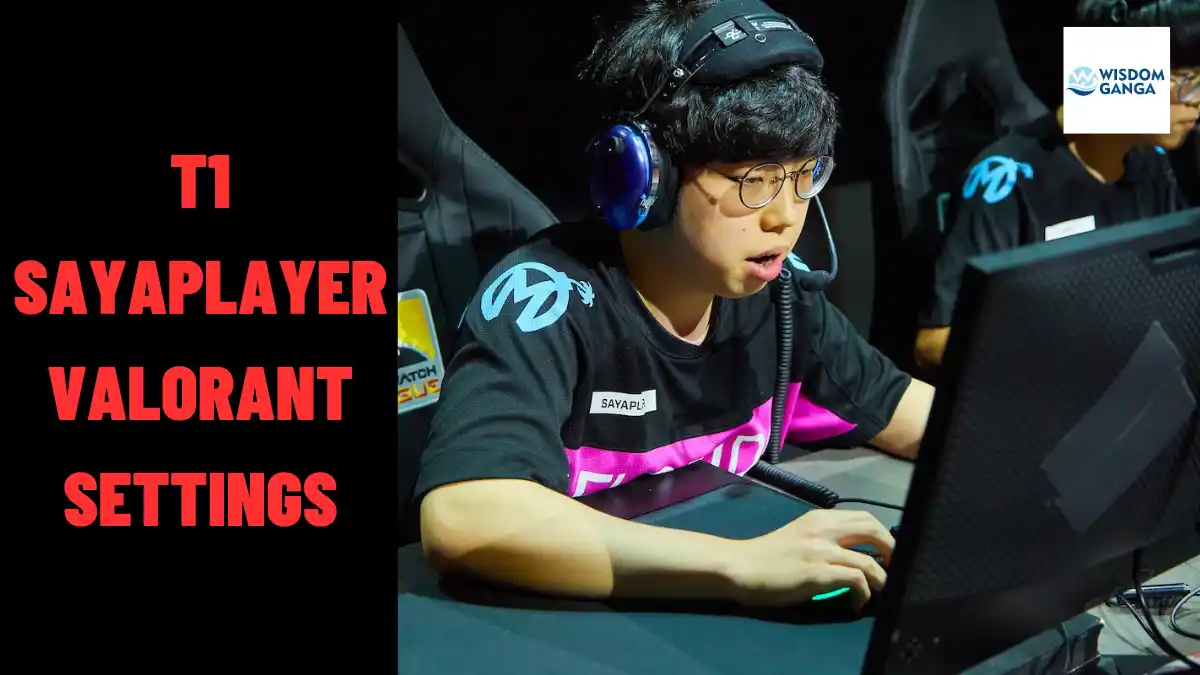
T1 Sayaplayer Valorant Settings: Keybinds, Crosshair, Mouse Settings, More
This article delves into the intricate details of Sayaplayer valorant settings, covering keybinds, crosshair preferences, mouse settings, and more.
Sayaplayer, also known as Ha Jung-woo, stands out as one of South Korea’s most exceptional players in the highly competitive realm of Valorant. Currently a member of T1, an esteemed team competing in VCT Pacific, Sayaplayer’s skill and expertise have garnered widespread recognition.
Sayaplayer’s remarkable talent has propelled him to the forefront of VCT Pacific. As a prominent Duelist representing T1, he played an integral role in securing the team’s third-place position in the 2023 league. Subsequently, T1 earned a coveted spot in the prestigious VCT Masters Tokyo held in June.
Table of Contents
Sayaplayer Valorant Settings
These are all the sayaplayer valorant settings from his crosshair, keybind, video settings etc.
Sayaplayer Mouse Settings
With a preference for heightened sensitivity, Sayaplayer opts for 1000 DPI, providing him with a swift and accurate response. Operating at an in-game sensitivity of 0.339, he relies on the Logitech G Pro Gaming Mouse for his competitive matches.
Mouse Settings:
- DPI: 1000
- Sensitivity: 0.339
- Zoom Sensitivity: 0.9
- eDPI: 339
- Hz: 1000
- Windows Sensitivity: 6
- Raw Input Buffer: Off
- Mouse Acceleration: N/A
Sayaplayer Valorant Crosshair
Sayaplayer’s crosshair configuration is characterized by a slender design with vibrant green coloring and the absence of black outlines. You can effortlessly replicate his settings either by manually adjusting your crosshair or by importing the code provided below:
Sayaplayer Crosshair Code – 0;p;0;P;c;1;u;000000FF;h;0;f;0;s;0;0t;1;0l;3;0v;2;0o;1;0a;1;0f;0;1b;0
Primary:
- Color: Green
- Outlines: Off
- Outline Opacity: 0
- Outline Thickness: 0
- Centre Dot: Off
- Centre Dot Opacity: N/A
- Centre Dot Thickness: N/A
Inner Lines:
- Show Inner Lines: On
- Inner Lines Opacity: 1
- Inner Lines Length: 3
- Inner Lines Thickness: 1
- Inner Line Offset: 1
- Movement Error: Off
- Firing Error: Off
Outer Lines:
- Show Outer Lines: Off
- Outer Lines Opacity: N/A
- Outer Lines Length: N/A
- Outer Lines Thickness: N/A
- Outer Line Offset: N/A
- Movement Error: Off
- Firing Error: Off
Sayaplayer Monitor and Resolution
To ensure an immersive gaming experience, Sayaplayer utilizes the ZOWIE XL2546K gaming monitor, a renowned industry standard. With a resolution of 1920×1080 and a 16:9 aspect ratio, this setup provides the ideal visual platform for Sayaplayer’s gameplay.
Monitor Settings:
- Resolution: 1920×1080
- Aspect Ratio: 16:9
- Scaling: Letterbox
- Refresh Rate: 240 Hz
- Response Time: 1ms
- Display Mode: Fullscreen
Sayaplayer Video Settings
Sayaplayer opts for low graphic settings in Valorant, prioritizing maximum FPS (frames per second) to gain a competitive edge. He maintains Bloom and Shadows settings at their default values.
Video Settings:
- Multithreaded Rendering: On
- Material Quality: Low
- Texture Quality: Low
- Detail Quality: Low
- UI Quality: Low
- Vignette: Off
- VSync: Off
- Anti-Aliasing: MSAA 4x
- Anisotropic Filtering: 1x
- Improve Clarity: On
- Experimental Sharpening: N/A
- Bloom: On
- Distortion: Off
- Cast Shadows: On
Sayaplayer Keybinds
Here are the keybinds Sayaplayer employs in Valorant to maintain complete control over his movement and abilities:
Movement:
- Walk: Left Shift
- Crouch: Left Ctrl
- Jump: Space Bar
Weapon and Ability Management:
- Use Object: F
- Equip Primary Weapon: 1
- Equip Secondary Weapon: 2
- Equip Melee Weapon: 3
- Equip Spike: 4
- Ability 1: E
- Ability 2: Q
- Ability 3: C
- Ultimate Ability: X
Sayaplayer’s Equipment: A Winning Arsenal
Sayaplayer relies on a collection of top-of-the-line peripherals to enhance his gameplay. Here is a list of the equipment he utilizes:
Peripheral Name:
- Mouse: Logitech G Pro Gaming Mouse
- Monitor: ZOWIE XL2546K
- Keyboard: Leopold FC750R
- Headset: HyperX Cloud II Wireless
- Mousepad: ZOWIE G-SR-SE Rouge
With these valuable insights into Sayaplayer valorant settings and gear, you now possess the tools to emulate the prowess of T1’s renowned player. Equip yourself with the optimal configurations and unlock your full potential in the world of Valorant.
If you enjoyed reading our article about T1 Sayaplayer Valorant Settings: Keybinds, Crosshair, Mouse Settings, More, We would greatly appreciate it if you could share your thoughts and views in the comment section.
Don’t forget to share this article on sayaplayer valorant settings and visit our Valorant page for more news, updates, tips, and tricks.