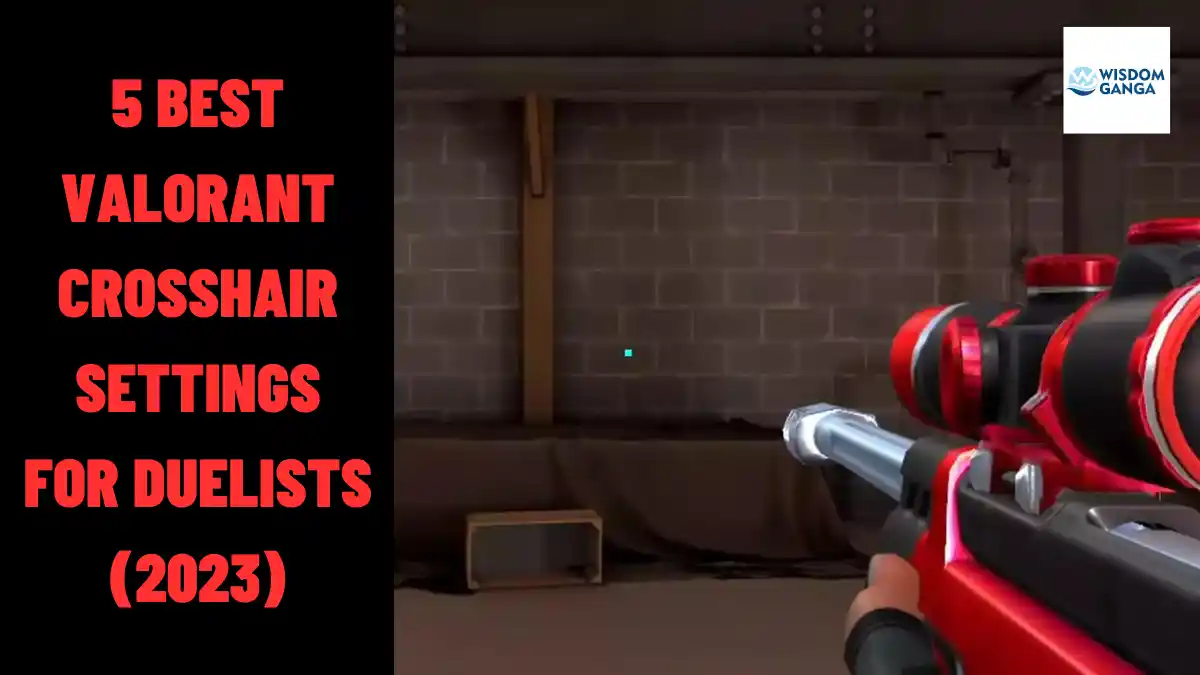
5 Best Valorant Crosshair Settings For Duelists (2023)
In this article, We will explore the Best Valorant Crosshair Settings For Duelists preferred by the Valorant community, specifically designed for Duelist mains. These crosshairs have gained immense popularity and are known for their effectiveness.
As a proficient duelist player in valorant, Finding the perfect crosshair is crucial for maximizing your performance. Your crosshair, located at the center of the screen, plays a significant role in enhancing your aiming abilities.
To ensure consistent progress, It is recommended to stick to a single crosshair rather than frequently changing it. Once you discover the ideal crosshair for your gameplay, You’ll witness rapid improvement in your skills.
Table of Contents
What Are The Best Valorant Crosshair Settings For Duelists (2023)
We have mentioned the Best Valorant Crosshair Settings For Duelists (2023) that you can use in your game and we have provided their crosshair code with it so that you can use the crosshair easily:
The Dot Crosshair
The renowned “dot” crosshair from CS:GO has proven to be equally effective in Valorant. However, it comes with a high-risk, high-reward factor, so proceed with caution.
If you possess exceptional aiming abilities and excel in precise gunplay, this crosshair is tailored for you. Mastering spray patterns becomes crucial when using the dot crosshair, as it can be challenging to control the weapon’s recoil.
Additionally, you have the flexibility to customize the outline and color of the crosshair to match your preferences.
Popular Dot Crosshair Settings:
- Type: Green Square Dot Crosshair
- Outline: Solid
- Color: Yellow (FFFF00FF)
- Type: KC Scream’s Crosshair
- Outline: Solid
- Color: Cyan (00FFFF)
- Type: Red Circle Dot Crosshair
- Outline: Hollow
- Color: White (FFFFFF)
The Plus Crosshair
The Plus crosshair is designed for players who prioritize aim duels. It offers exceptional accuracy, enabling you to land clean headshots consistently.
Similar to other crosshairs, customization options are available, allowing you to adjust the outline and color according to your preference.
Noteworthy players such as Yay, Cryocells, and Asuna rely on variations of the Plus crosshair, highlighting its effectiveness in competitive scenarios.
Popular Plus Crosshair Settings:
- Type: Blue Plus Crosshair
- Outline: Dashed
- Thickness: Thin
- Opacity: 50%
- Size: Medium
- Gap: Small
- Color: Blue (0000FFFF)
Fnatic Derke Crosshair
Fnatic’s Derke, a remarkable Duelist player and part of the world champion team, utilizes a classic static crosshair. While it may not necessarily be the best crosshair, it has proven to be reliable and effective.
Derke’s expertise and dominance in the professional scene make his crosshair worth considering. Its simplicity contributes to precise aiming and consistent performance.
Popular Fnatic Derke’s Crosshair Settings:
- Type: Fnatic Derke’s Crosshair
- Outline: Solid
- Thickness: Medium
- Opacity: 100%
- Size: Large
- Gap: Medium
- Color: Black (000000)
PRX Jinggg Crosshair
Jinggg, a highly regarded player from Singapore, is well-known in the Valorant community for his aggressive Raze plays. His crosshair settings have garnered attention and admiration from fans worldwide.
As the primary Duelist for Paper Rex, Jinggg’s crosshair could potentially elevate your gameplay. Give it a try during your matches and see if it suits your style.
Popular PRX Jinggg’s Crosshair Settings:
- Type: PRX Jinggg’s Crosshair
- Outline: Solid
- Color: Blue (0000FF)
EG demon1 Crosshair
Evil Geniuses, known as EG, have been excelling in the ongoing VCT Masters Tokyo tournament, thanks in part to the addition of demon1 to their team.
His flashy jett plays and unwavering confidence in out-aiming opponents have left a lasting impression.
If you main jett and aspire to match demon1 skill, His crosshair might be the perfect fit for you.
Popular EG demon1’s Crosshair Settings:
- Type: EG demon1’s Crosshair
- Outline: Solid
- Thickness: Small
How To Import A Crosshair Code
If you’ve decided on a specific crosshair from the above list, follow these steps to import the code:
- Open your Valorant settings.
- Navigate to the Crosshair tab.
- Click on the “Import Profile Code” button.
- Copy the desired code from the list above.
- Paste the code into the text area.
- Click on the “Import” button.
Although these crosshair options have proven their worth, it is always advisable to create a custom crosshair that aligns with your comfort and playstyle.
Consistency is key to achieving excellence in Valorant, so find the crosshair that empowers you and stick with it throughout your journey.
If you enjoyed reading our article about 5 Best Valorant Crosshair Settings For Duelists (2023), We would greatly appreciate it if you could share your thoughts and views in the comment section.
Don’t forget to share this article and visit our Valorant page for more news, updates, tips, and tricks.