ZmjjKK Valorant Settings – Best Keybinds, Crosshair And Mouse Settings And More
If you aspire to reach new heights in your Valorant gameplay, it’s essential to understand his settings and strategies. Let’s delve into the details of ZmjjKK Valorant Settings, allowing you to emulate his playstyle.
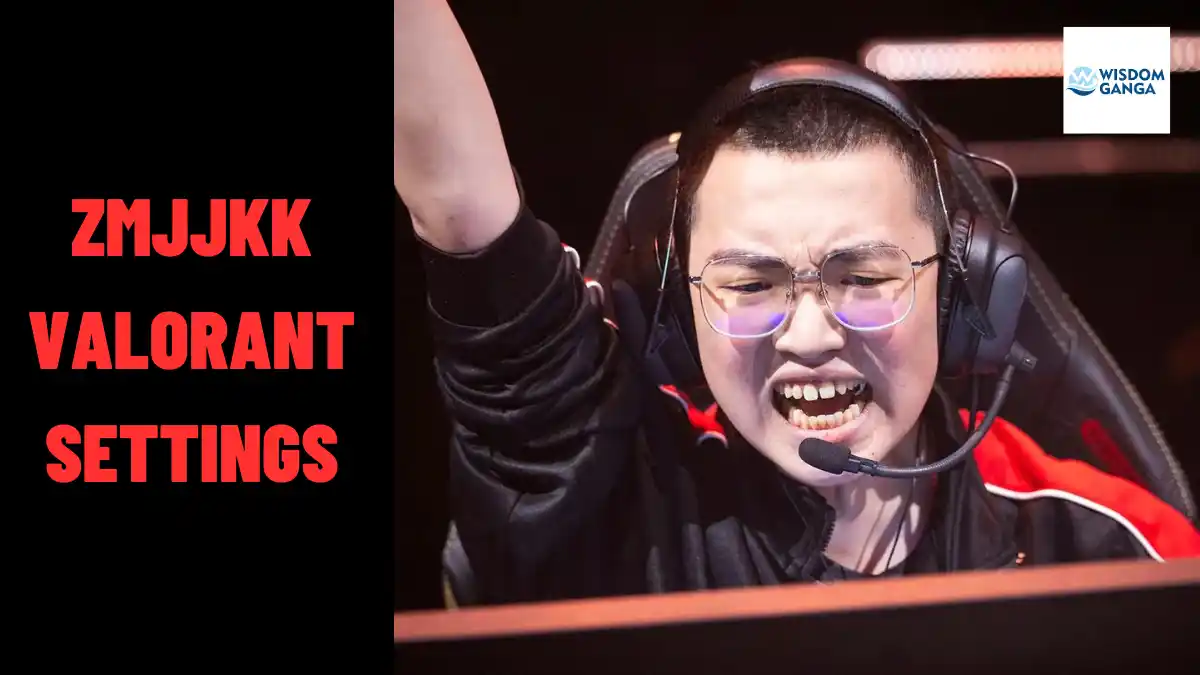
Zheng ‘ZmjjKK’ Yongkang, a prominent Valorant player from China, has played a vital role in the success of EDward Gaming. He made history by leading the team to their first international tournament win at VCT Masters Tokyo.
ZmjjKK Valorant Settings
These are all ZmjjKK valorant settings from Zmjjkk crosshair, mouse settings, crosshair code, keybinds and more:-
ZmjjKK Mouse Settings
To excel in Valorant, precise mouse settings are crucial, ZmjjKK competes with a VAXEE NP-01S mouse and follows the following configurations:
- DPI: 800
- Sensitivity: 0.28
- Zoom Sensitivity: 1
- eDPI: 224
- Hz: 1000
- Windows Sensitivity: 6
- Raw Input: On
- Mouse acceleration: N/A
ZmjjKK Valorant Crosshair
A well-optimized crosshair is paramount for accurate aiming. ZmjjKK, like many professional Valorant players, utilizes a small crosshair for enhanced precision.
You can manually adjust your settings to match his preferences or import his crosshair using the unique code provided below:
ZmjjKK Crosshair Code: 0;p;0;P;u;000000FF;o;1;d;1;z;1;f;0;s;0;0t;0;0l;4;0v;2;0o;0;0a;1;0f;0;1b;0
Primary:
- Color: Red
- Outlines: Off
- Outline Opacity: N/A
- Outline Thickness: N/A
- Centre Dot: Off
- Center Dot Opacity: N/A
- Center Dot Thickness: N/A
Inner Lines:
- Show Inner Lines: On
- Inner Lines Opacity: 1
- Inner Line Length: 3
- Inner Lines Thickness: 2
- Inner Line Offset: 2
- Movement Error: Off
- Firing Error: Off
Outer Lines:
- Show Outer Lines: Off
- Outer Lines Opacity: N/A
- Outer Line Length: N/A
- Outer Lines Thickness: N/A
- Outer Line Offset: N/A
- Movement Error: Off
- Firing Error: Off
ZmjjKK’s Valorant Keybinds
Having optimal keybinds enhances your gameplay and responsiveness. ZmjjKK’s preferred keybinds are as follows:
- Walk: L-Shift
- Crouch: L-Ctrl
- Jump: Space Bar
- Use Object: F
- Equip Primary Weapon: 1
- Equip Secondary Weapon: 2
- Equip Melee: 3
- Equip Spike: 4
- Ability 1: C
- Ability 2: E
- Ability 3: Q
- Ultimate Ability: X
ZmjjKK’s Monitor & Resolution
ZmjjKK employs a ZOWIE XL2566K gaming monitor, utilizing the native 16:9 aspect ratio for an immersive gaming experience. His monitor settings are as follows:
- Resolution: 1920×1080
- Aspect Ratio: 16:9
- Scaling: Fill
- Refresh Rate: N/A
- Response Time: 1ms
- Display Mode: Fullscreen
The specific details of his graphic settings remain undisclosed at this time.
ZmjjKK’s Equipment
A player’s gear plays a vital role in their performance. Here is the equipment ZmjjKK uses:
- Mouse: VAXEE NP-01S Pink
- Monitor: ZOWIE XL2566K
- Keyboard: Ducky ONE Fuji VAXEE Version
- Headset: N/A
By adopting ZmjjKK settings and gear, you can elevate your gameplay and potentially emulate the success of EDward Gaming. Remember, consistent practice and dedication are key to becoming a formidable Valorant player.
It is important to experiment with different player settings so checkout our valorant settings page to get other player settings than ZmjjKK Valorant Settings to find what works best for you, but it’s also important to remember that settings are not a substitute for practice and skill.
If you liked our article on ZmjjKK Valorant Settings, Crosshair & Config then please share your thought and views about this article on ZmjjKK Valorant Settings, Crosshair & Config in the comment box and share this article with your gaming friends.